
Download the extension
Using UA Switcher Pro as an example, select “Download now” on its detail page and wait for the download to finish.
Extension ID
hjdfbcmjojlijhhmidhjadgnakbldbea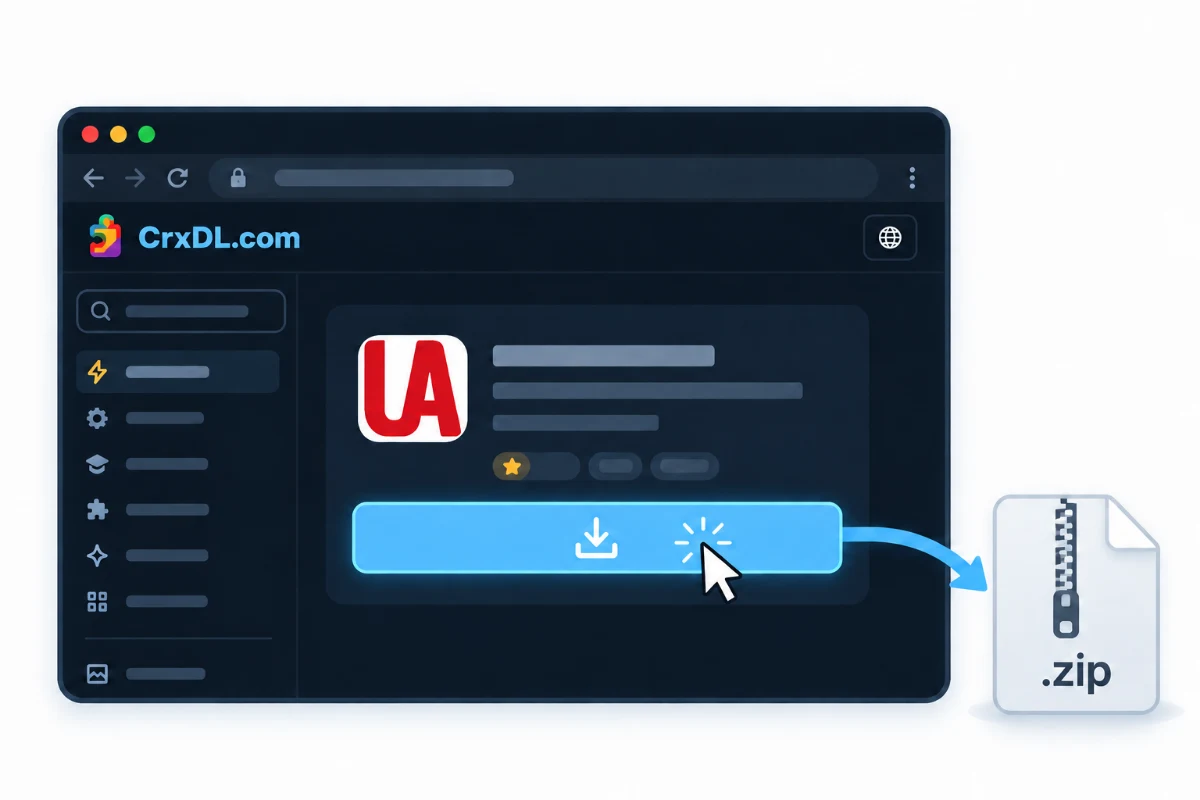
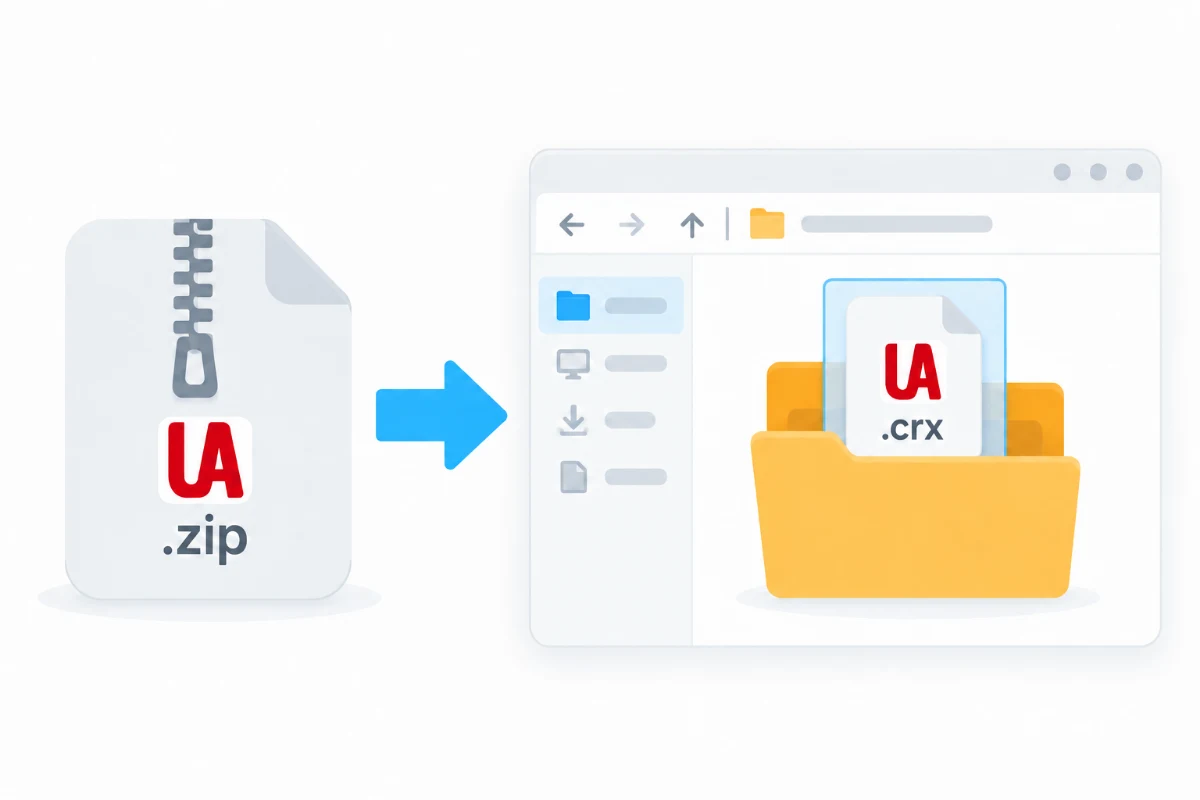
Unpack the ZIP
Unpack the ZIP and open the extracted folder. The alphabetic file named with the ID below is the extension installer.
Installer name
hjdfbcmjojlijhhmidhjadgnakbldbeaTipIt is fine if file extensions are hidden. Do not unpack the installer again.
Turn on developer mode
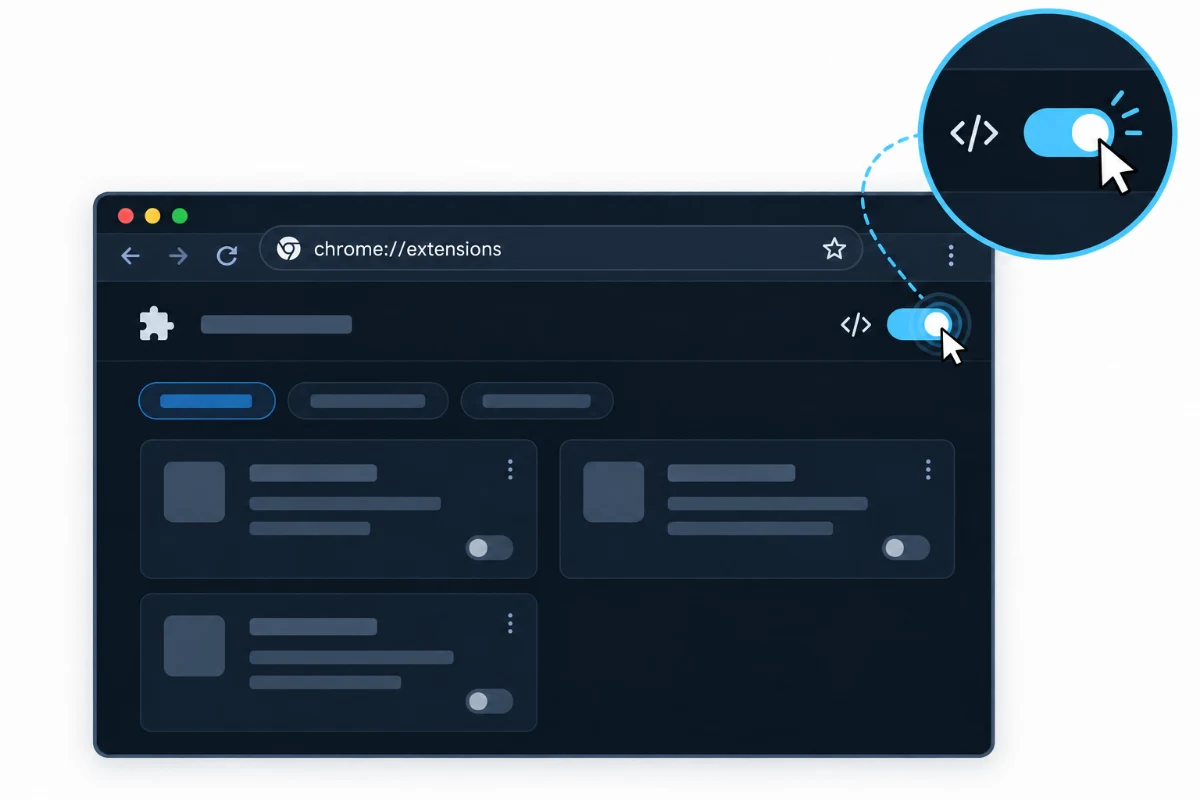
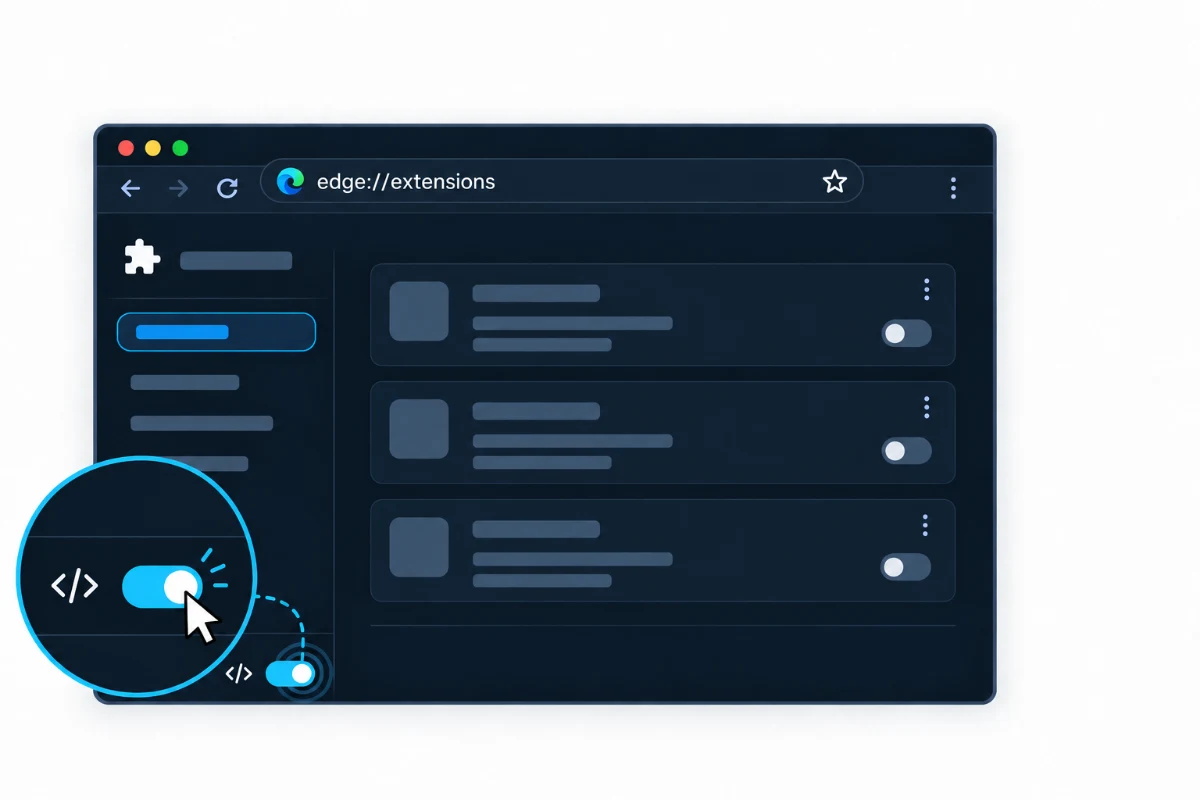
Enter the matching address in your browser, open the extensions page, then turn on Developer mode.
- Google Chrome
chrome://extensionsSwitch in the upper-right corner- Microsoft Edge
edge://extensionsSwitch at the bottom of the left sidebar
Drag in and install
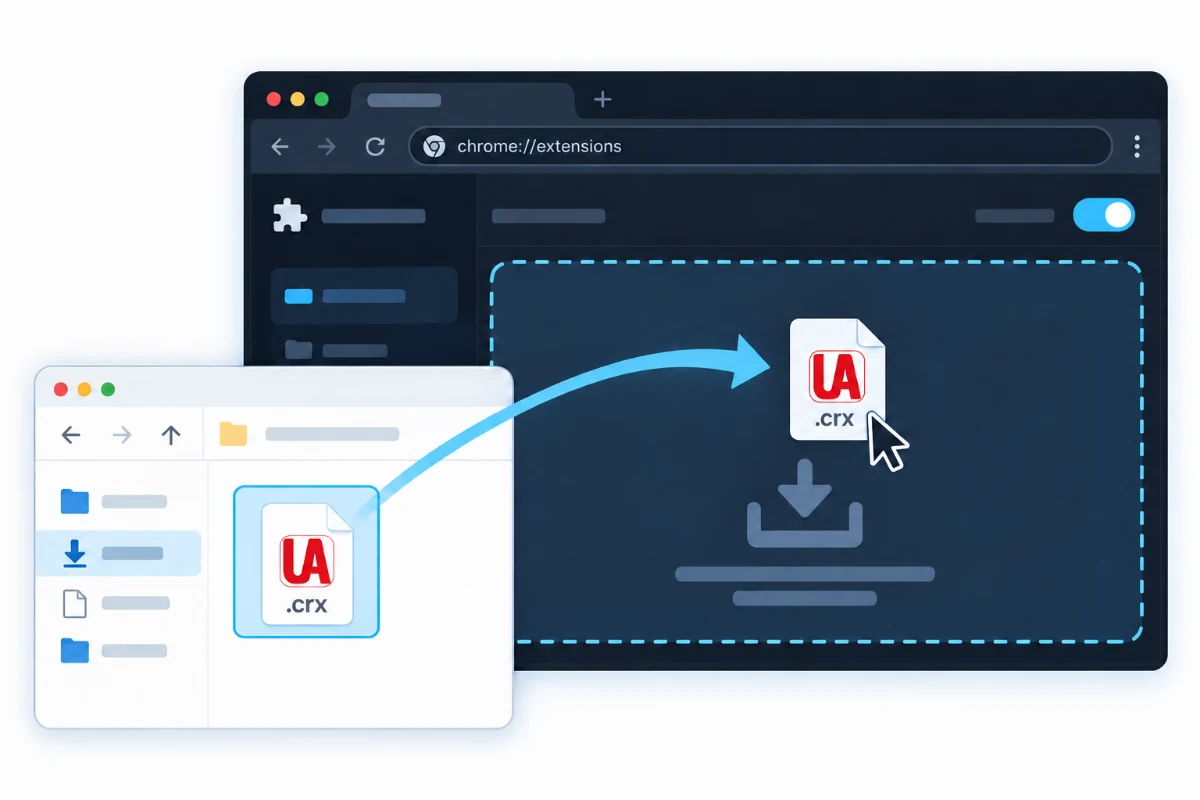
Drag the extension installer from the folder into the extensions page. Select “Add extension” when prompted.
Pin it to the toolbar
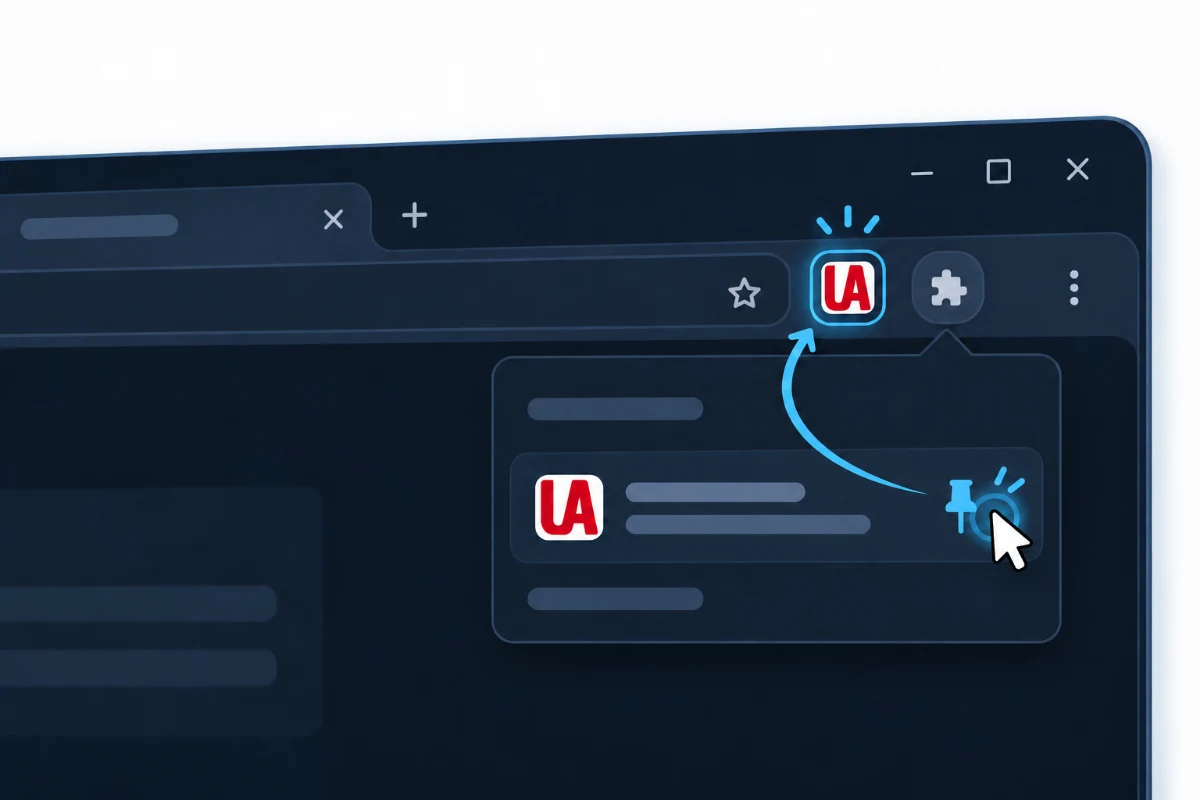
Open the extensions menu in the upper-right corner, find UA Switcher Pro, and select its pin icon.
TipThe extension is pinned when its icon appears beside the address bar.
Installation complete
Select the extension icon in the toolbar to start using it.